.png?width=280&height=39&name=Projectworks-Logo-Black-280px%20(1).png)
From time-to-time new features may be made available as part of a beta program. These features are generally a first of early release, may not be fully complete and could have some known bugs.
To activate any beta features that you would like to use go to Settings > System >Beta Features and enable any features you would like to use.
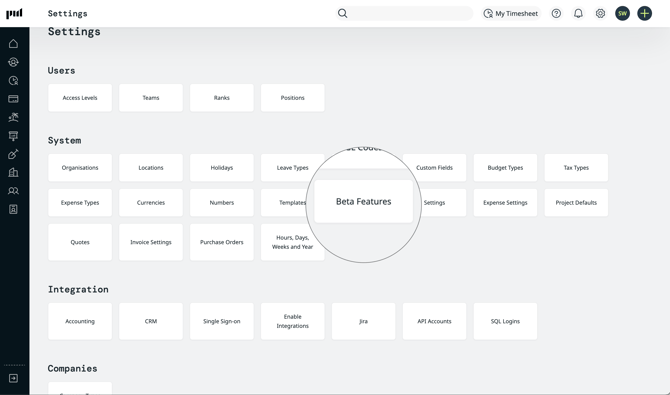
Note: Activating a beta feature means it will be available to all users within the product, based on how access levels have been set up.